Every channel — on one timeline
Newsletter, social, Google Ads, Meta Ads and Wallet push — planned and evaluated in one place. The heatmap shows you when and what made something catch fire. EI suggests what should run next.
The problem
Many channels, no connection
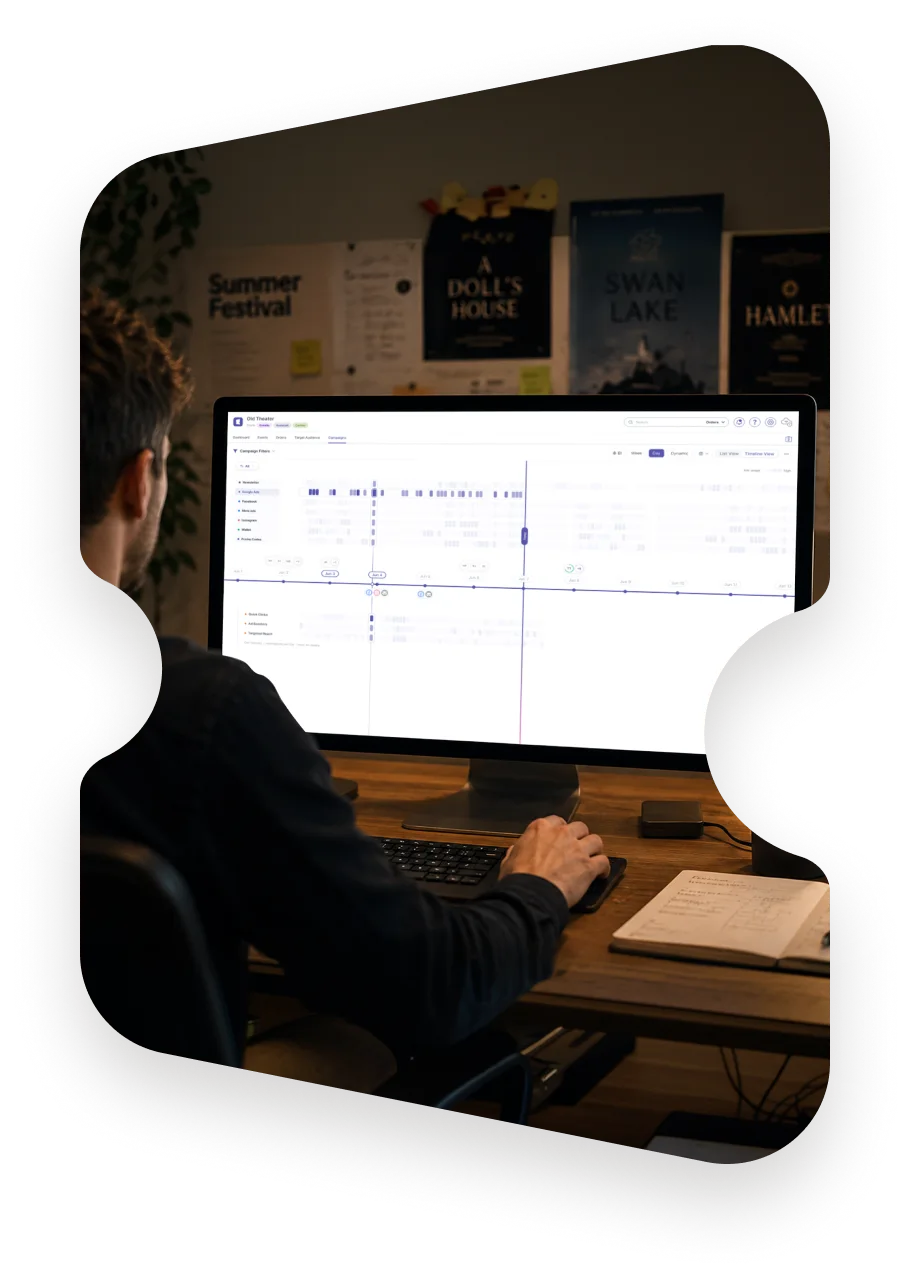
Newsletter in one tool, social in the next, ads in a third, the ticket numbers somewhere else entirely — and in the end you never know what actually sold. The Campaign Manager brings it all onto one timeline and shows you by heatmap what actually created movement.
01What the Campaign Manager can do
One timeline, one heatmap
Every channel sits on one timeline: newsletter, social, ads, Wallet push. No tab-switching, no app-hopping. The heatmap lies over it — each cell stands for a day and an hour, the colour for the movement measured. You see instantly when it caught fire.
Every channel in one view instead of in five tools
Heatmap by day and hour — reach, clicks, tickets sold
Planned, live and finished on one timeline
KPI: tickets sold
Tue, 19:00 · +38 tickets
02What the Campaign Manager can do
From the spike to the explanation
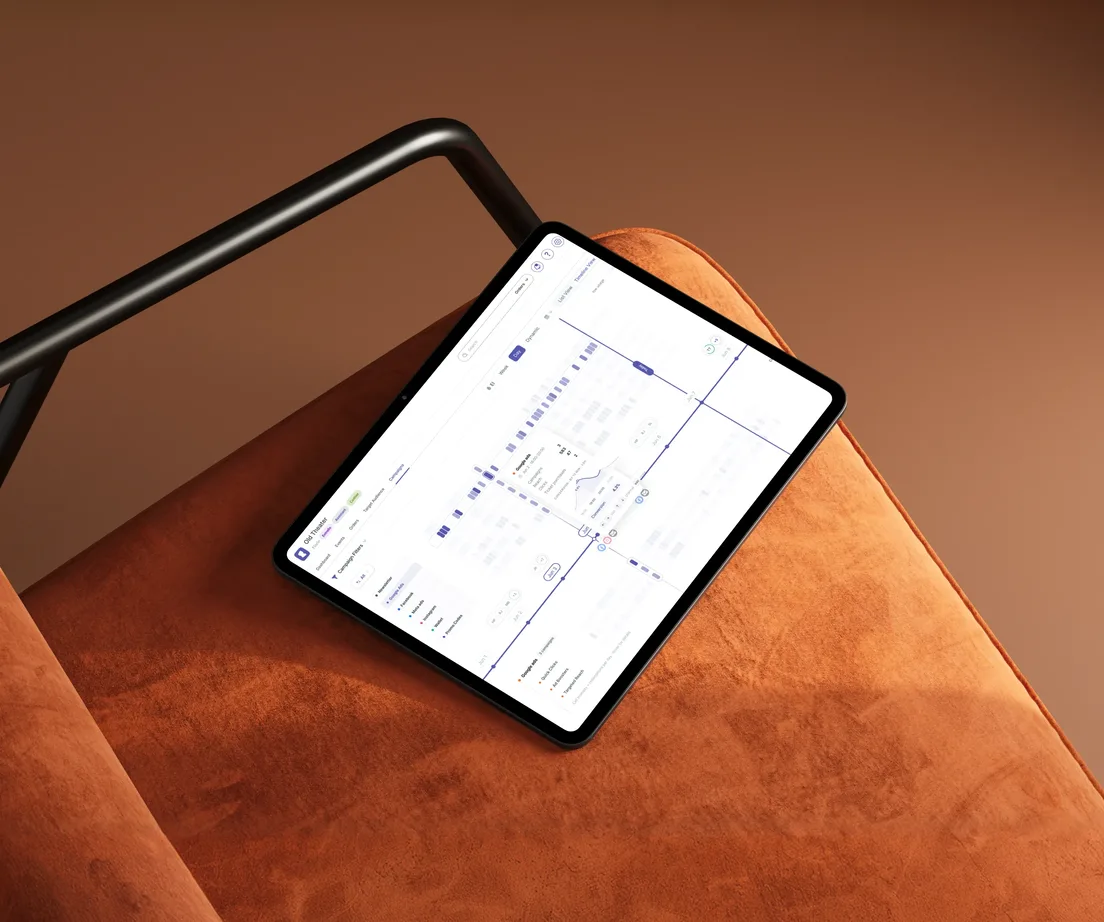
A strong cell is only the beginning. Click it, and the timeline zooms into exactly that window: which channel, which campaign, which segment — and what came of it. That turns “something happened there” into a pattern you can repeat.
One click on the cell shows channel, campaign and audience
With Entrello ticketing: attribution down to the ticket sold
Segments from the Audience Builder traceable directly
03What the Campaign Manager can do
EI — Entrello Intelligence thinks ahead
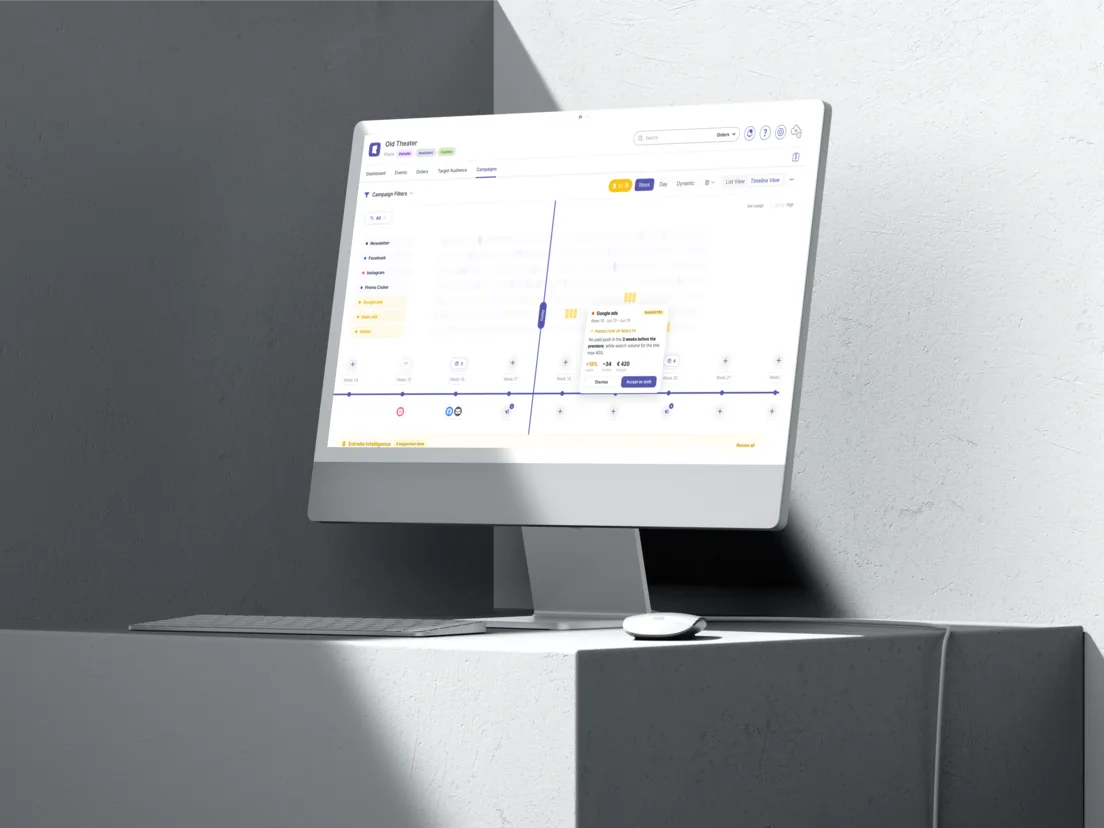
The heatmap explains the past. For everything still to come, you switch on EI: pick an event on the timeline, and Entrello Intelligence suggests a complete campaign structure — forecast included. It's based on anonymised historical data from across Entrello.
Suggested campaigns per event instead of an empty calendar
Recommended start time and channel sequence
Result forecast based on anonymised Entrello data
Accept, adjust or ignore — you decide
04What the Campaign Manager can do
More channels, one place
Newsletter and social were the beginning. Now connect your Google Ads and Meta Ads accounts too: planned campaigns and metrics flow straight into the timeline. On top of that comes a channel only Entrello has — the Wallet loyalty card with push.
Newsletter, Facebook and Instagram as usual — with templates and scheduling
Connect Google Ads: planned campaigns and metrics in one place
Meta Ads the same way — budget and result next to your organic posts
Wallet loyalty card & push: messages straight to the lock screen — to everyone with a loyalty card or a valid ticket in their Apple or Google Wallet
Suggestion for “A Midsummer Night’s Dream”
— Start 12 days ahead: newsletter, then Meta Ads, Wallet push 4 h before doors. Forecast: 190–240 tickets
Wallet push “Back row available”
Step 2 in the Entrello process: Reach
Reaching is the second step
Once you understand your audience, the Campaign Manager helps you reach the right people — the second step in the Entrello process.
Fits with it
What you need next

Reach the right people — at the right time
Start free in minutes. First campaign, first heatmap, first EI suggestion — today.